Speak.
Appear anywhere
on your Mac.
Press a key, speak, see the text appear in whatever app you're using. Nothing leaves your Mac. No cloud. No subscription. Pay once, keep it forever.
Not a dictation app.
A voice operating system.
The same record-and-release gesture, routed to a different destination depending on the key you hold. Every shortcut is user-configurable.
Dictate & paste
Transcribes your voice and pastes into the focused field — in any Mac app that accepts ⌘V.
// Refactor the auth middleware to emit a session.rotated event before the cookie clears
Save as note
Captures a thought without switching apps. Arrives in your Notes panel. A discreet toast confirms it.
Add to Kanban
Your voice goes straight to the Todo column. Drag between Todo · Doing · Done, or speak new cards in seconds.
Expand snippet
Say a keyword, KeyTalk expands it into text, an app, or a URL. Fuzzy-matched so "amail" still finds email.
"email"you@example.comtext"calendar"calendar.google.comurl"figma"Opens FigmaappIf it accepts ⌘V,
it accepts KeyTalk.
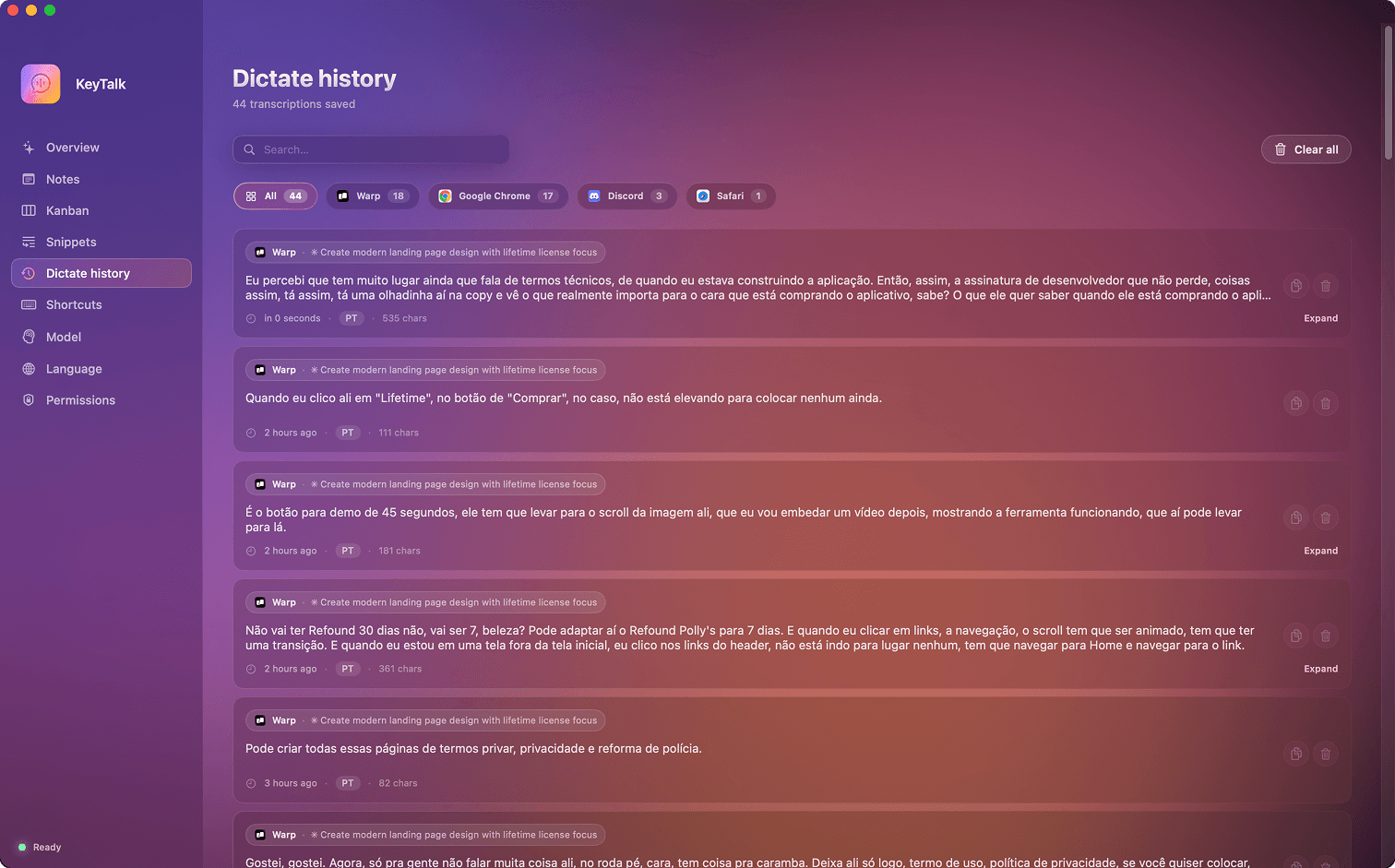
No integrations. No extensions. KeyTalk types into the focused text field the same way your keyboard does — so every Mac app is a KeyTalk app on day one. Native, Electron, legacy, brand new. Doesn't matter.
- Stays out of your way. No Dock icon, no app switcher clutter. A tiny glyph on the menu bar is the only thing you'll see.
- Set up once. Approve the microphone and keyboard the first time you open it. That's it — no prompts when you update.
- Always ready. The first press of the day is as fast as the thousandth. No warm-up, no waiting.
"amail"you@example.comVoice shortcuts
that forgive you.
Give any word a meaning — a snippet of text, an app to open, a URL to launch. Say the word out loud, the thing happens. Stumble over it? KeyTalk still understands.
- Say it exactlySay "email" — your email address appears.
- Say it in a sentence"Send them my email, please" — still finds "email".
- Almost get it rightSay "amail" or "emial" — KeyTalk catches you anyway.
Text (addresses, signatures, any phrase), apps (say "spotify" to open it), and URLs (say "calendar" — the page opens).
Your voice never
touches the internet.
Everything happens on your Mac. Nothing is uploaded, nothing is logged to a server you don't own, nothing leaks. You could delete your router and KeyTalk would still work.
Nothing sent, ever
Unplug your Wi-Fi, fly on a plane, go to a cabin with no signal. KeyTalk behaves exactly the same.
Runs on your Mac
The transcription happens locally, quietly, and fast. No cloud bill, no rate limit, no 'server is down today'.
Nothing to leak
We never see what you dictate, which apps you use, or how often. There's no KeyTalk database of you to hack — you don't have to trust us to be good at security, because we have nothing.
One gesture,
three invisible moves.
From press to paste, everything is measured in fractions of a second — and none of it involves a network.
Press & speak
Tap the hotkey to start and stop, or hold it while you speak and release when you're done. Whichever feels natural.
Your voice becomes text
Transcription happens right there on your Mac — no round trip to a server, no wait for a cloud API. You speak, the words land.
Text appears where you need it
KeyTalk simulates ⌘V into the focused field, or routes the text to Notes, Kanban, or a snippet expansion — depending on the hotkey you pressed.
Small touches
that make it a daily habit.
Searchable history
Everything you've ever dictated, kept on your Mac, searchable by word or by the app you were in. Find that Slack reply from last Tuesday in seconds.
Eight languages
Português, English, Español, Français, Deutsch, Italiano, 日本語 — and auto-detect if you switch mid-sentence. Dictate in the language you actually speak.
Choose your accuracy
Pick the balance between speed and precision that fits your work. Swap anytime without reinstalling — some days are Slack-fast, others are essay-careful.
Quiet confirmations
A small nod in the top-right corner when something saved. Never steals your cursor, never pulls focus. You keep typing, KeyTalk nods.
Set up once
Approve the microphone and keyboard the first time you open it — that's the whole onboarding. Updates don't ask again.
Always ready
KeyTalk wakes up with your Mac. The first press of the day is as fast as the thousandth — no warm-up, no waiting.
Same voice,
different league.
Dictation apps exist. A voice operating system — with routed actions, snippets, and no cloud — does not.
| Capability | KeyTalk | Apple Dictation | Cloud AI voice | Subscription dictators |
|---|---|---|---|---|
| Runs fully offline | Yes | Partial | No | Partial |
| Best-in-class accuracy | Yes | No | Yes | Yes |
| Works in every Mac app | Yes | Yes | No | Yes |
| 4 distinct actions on 4 hotkeys | Yes | No | No | No |
| Voice shortcuts that forgive typos | Yes | No | No | No |
| Built-in Notes + Kanban | Yes | No | No | No |
| App-tagged history | Yes | No | Partial | Partial |
| Price model | Lifetime | Free (with macOS) | Subscription | Subscription |
Superwhisper, Wisprflow, Whisper Memos and friends are genuinely nice apps. KeyTalk just routes further.
Six small promises
we mean it.
Most apps you buy today are a subscription in disguise, an account you can't delete, or a service that can vanish overnight. KeyTalk is the opposite on every count.
- One purchase. Forever.No subscription, not now, not later. Pay $49 once and you keep KeyTalk.
- Every future update, included.When we ship v1.3 or v2 or v7, they land on your Mac for free. Your license never expires.
- Private by default.Your voice stays on your Mac. We never see it, store it, or learn from it. Not by policy — by architecture.
- Out of your way.Menu bar only. No Dock icon, no browser tab, no notification spam. It's there when you press, invisible the rest of the time.
- Yours even if we disappear.If we ever stop shipping, you keep the last build we released. It'll run as long as your Mac does.
- Built for speed.First press of the day is as fast as the thousandth. No warm-up screens, no loading spinners, no 'thinking…'
Pay once.
Speak forever.
No subscription. No seat pricing. No usage meter. One transparent lifetime license — including every update we ship from here to the day we stop shipping.
KeyTalk — Founders
One-time payment. Every future update, included. Install on every Mac you personally own.
- All four hotkey actions — dictate, note, kanban, snippet
- Every Whisper model, Tiny to Large-v3
- 8 languages + auto-detect
- Voice shortcuts that forgive small mispronunciations
- Searchable history, app-tagged
- Unlimited Notes and Kanban cards
- All future updates — forever
- Install on every Mac you personally own
Price returns to $129 after Product Hunt launch week. We'll never move to a subscription — on our founders' word.
You asked
before you bought.
Stop typing what you can say.
Install KeyTalk, hit ⌃⌥D in the first app you open, and feel what the next decade of input on the Mac is going to feel like.